
Original listing
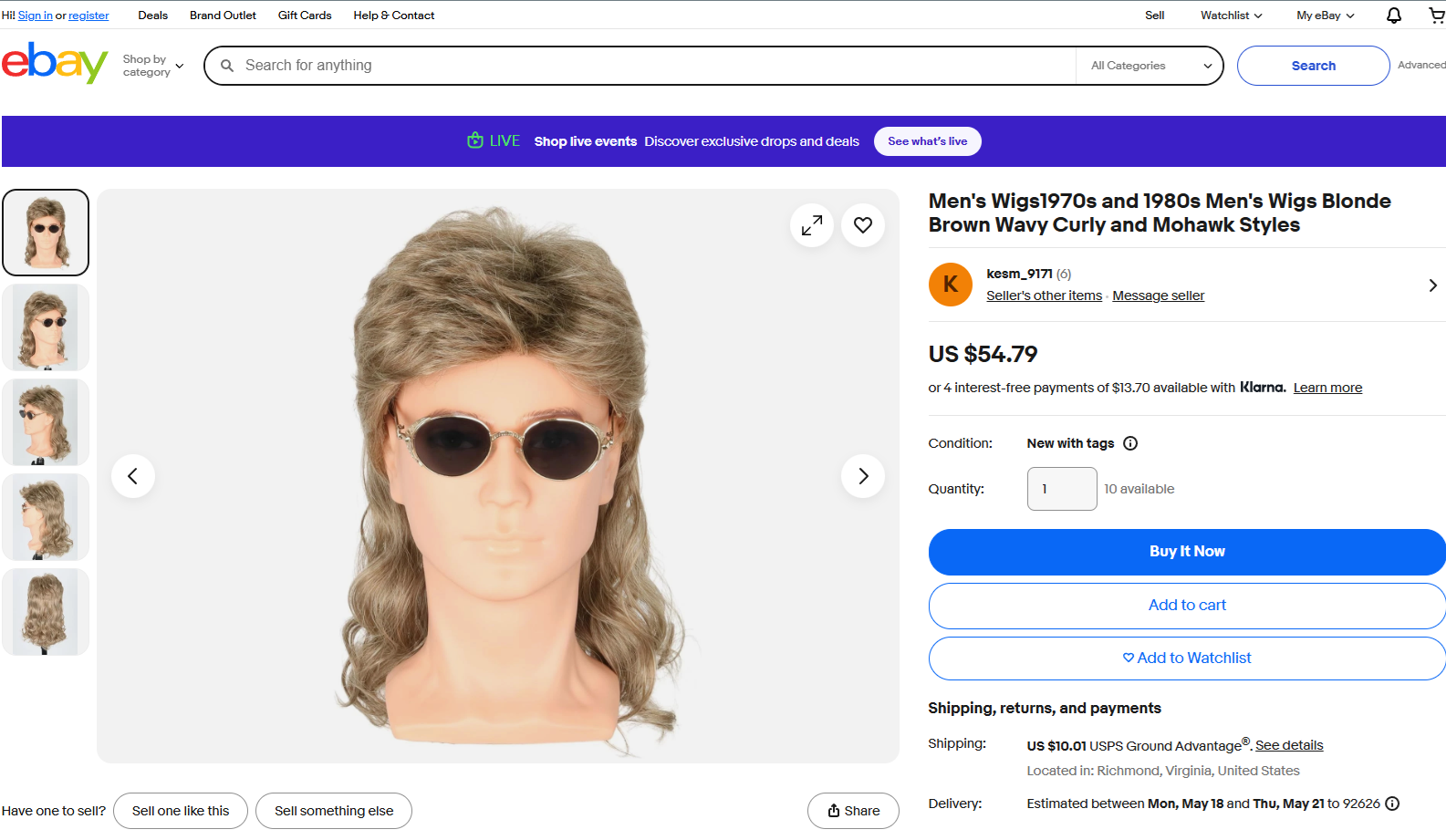
Start with the product page
Use the live listing URL and the product image that already sells the item.
View sample listingNo store install, no theme work, no marketplace approval flow. Create a hosted link from a listing URL and product image, then send buyers to a simple page that shows the item on them.
Works with eBay listings, marketplace listings, and plain product pages.
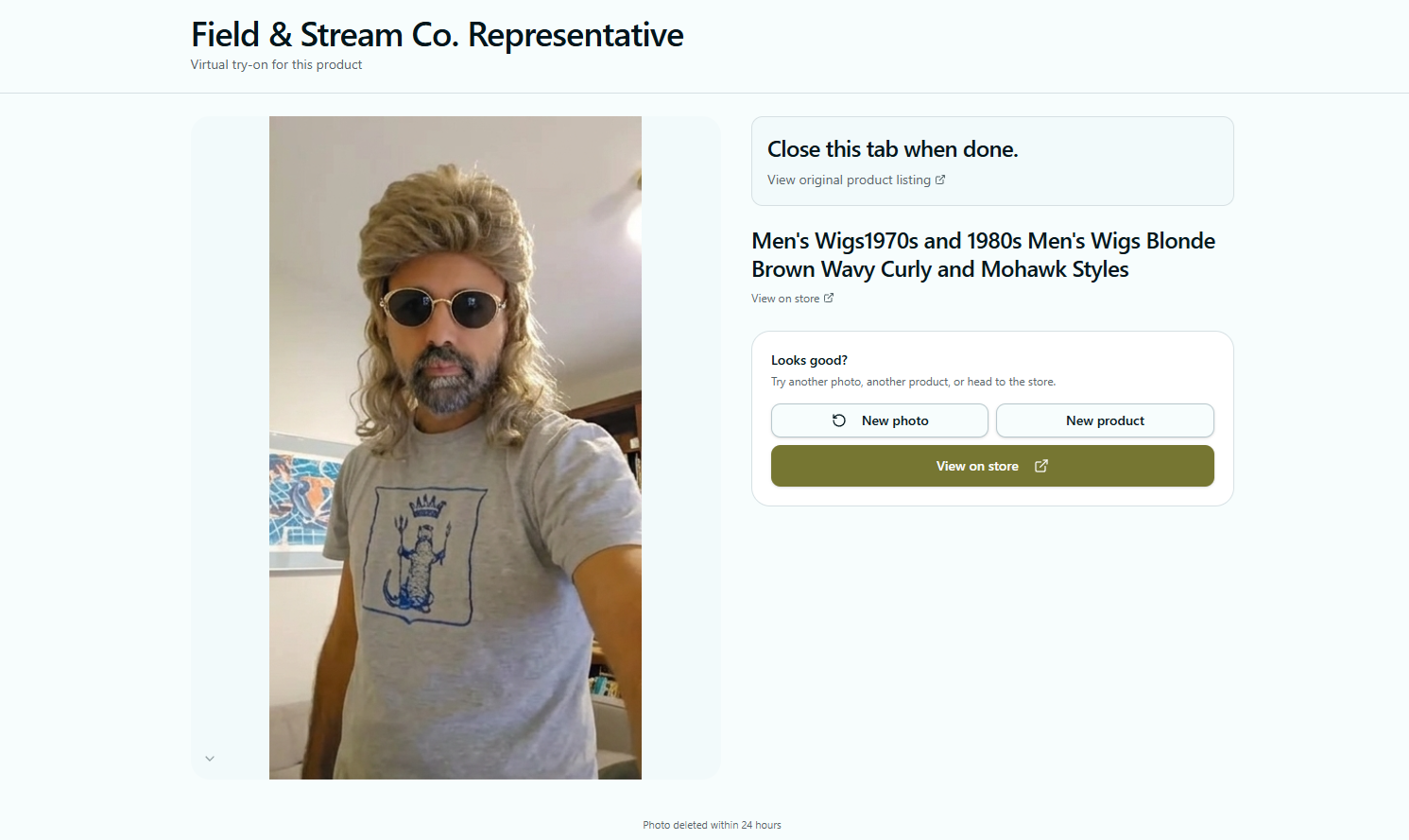
The seller keeps the original listing. AskThe.bot adds a short, customer-friendly try-on step that helps close the visual gap.
Use the live listing URL and the product image that already sells the item.
View sample listing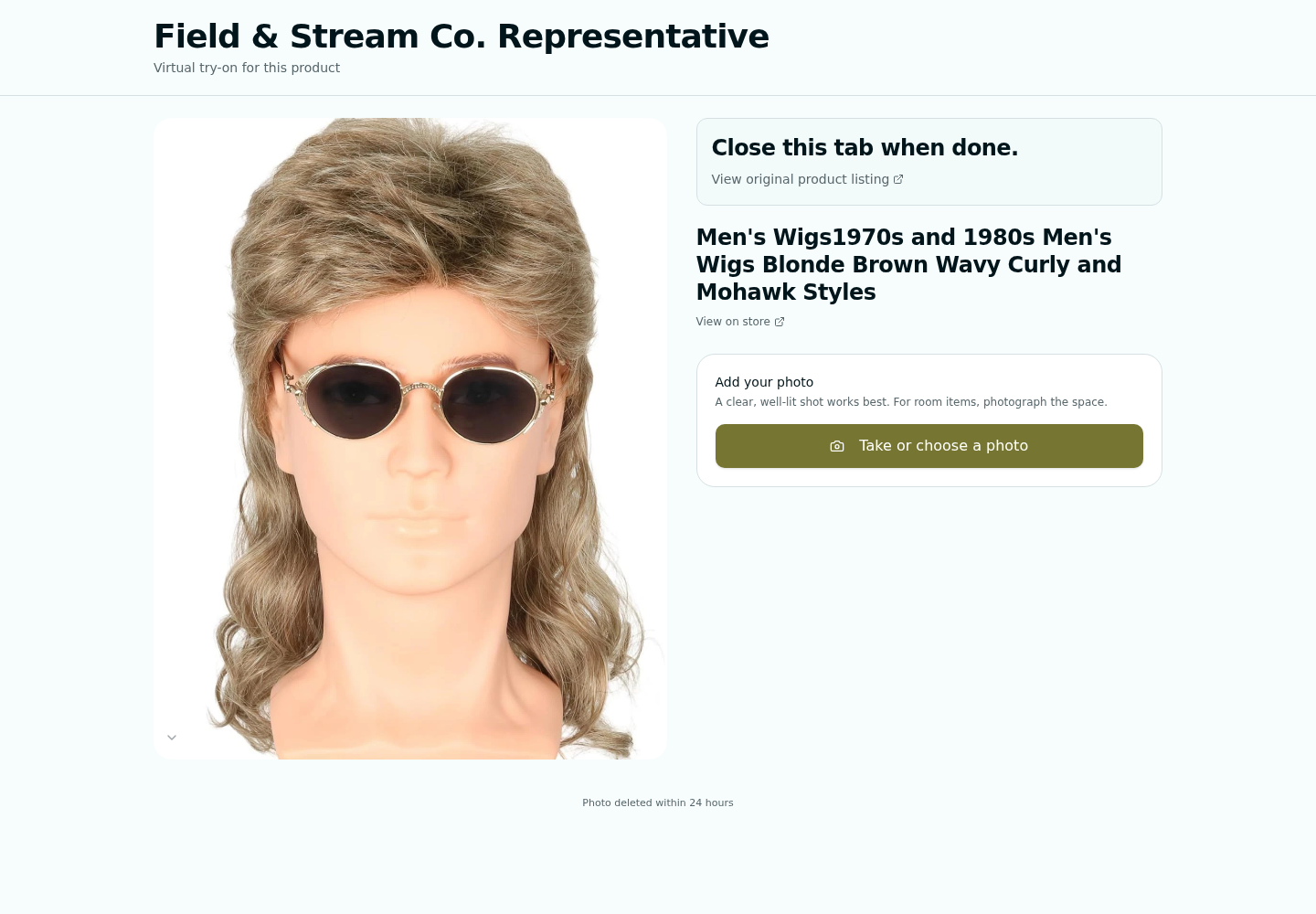
AskThe.bot hosts a focused page with the item, seller context, and a clear return path.
Open live demoThe final image answers the visual question that listing photos cannot answer on their own.
Try the flowListing photos show the product. A try-on link shows the buyer how it might look on them, right at the moment they are deciding whether to make an offer, message you, or buy.